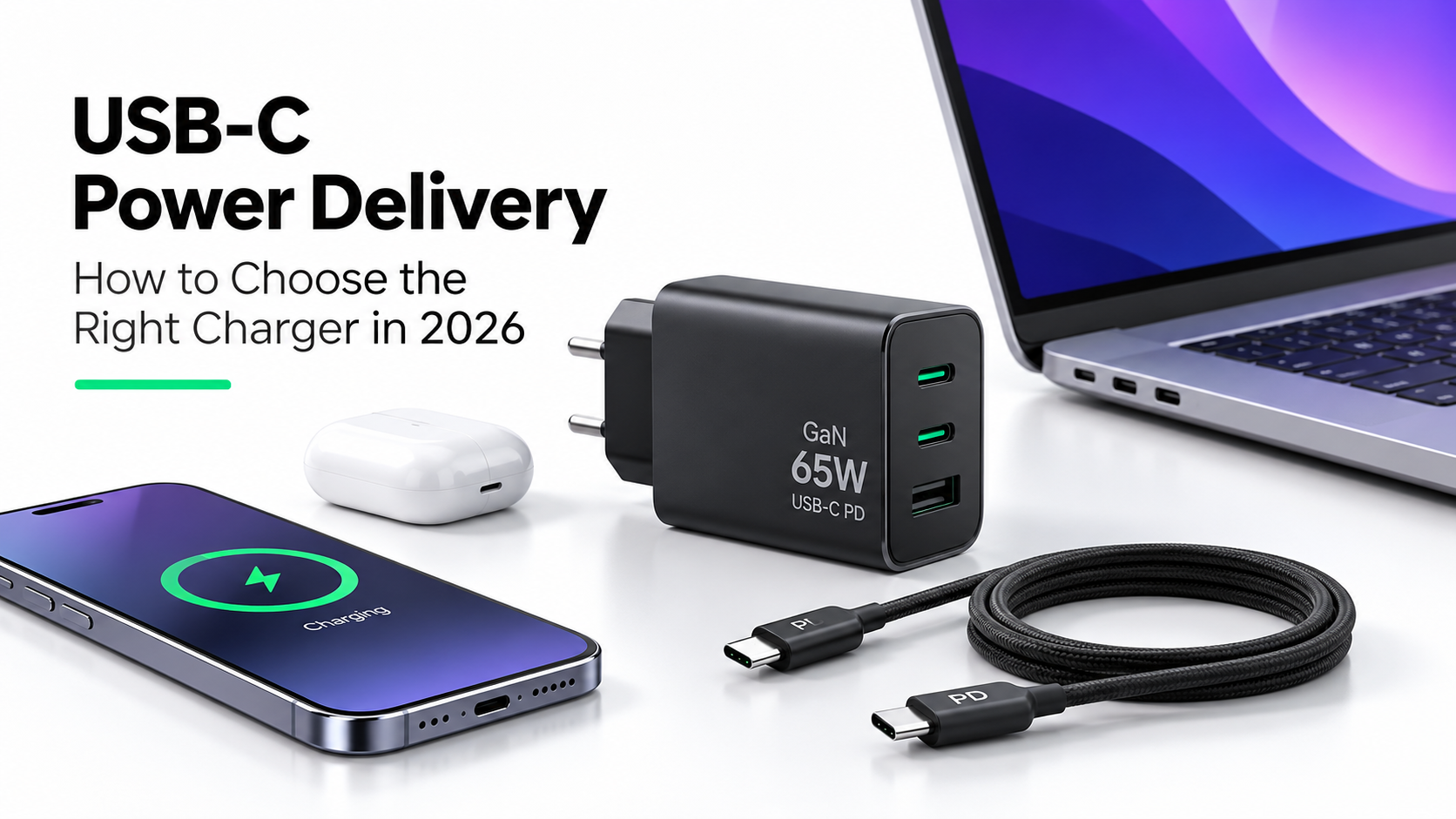
USB-C has become one of the most widely used charging connections across smartphones, tablets, laptops, and everyday technology accessories.
However, choosing the right charger is not as simple as selecting a USB-C port or buying the adapter with the highest wattage.
Two chargers may look almost identical but deliver very different charging speeds, support different devices, and offer different levels of flexibility.
Understanding USB Power Delivery, charging wattage, cable compatibility, and newer charger technologies can help you make a more informed decision.
1. What Is USB-C?
USB-C is a connector type used for charging, data transfer, and, on supported devices, video output.
Its reversible design makes it convenient to connect without worrying about plug orientation.
Today, USB-C is commonly found on:
Smartphones and tablets
Laptops and ultrabooks
Wireless earbuds and headphones
Power banks
Gaming accessories
Portable monitors and other electronics
Important: USB-C describes the physical connector. It does not automatically guarantee fast charging, USB Power Delivery, or high-speed data transfer.
The capabilities depend on the device, charger, cable, and supported standards.
2. What Is USB Power Delivery?
USB Power Delivery, commonly called USB PD, is a charging standard that allows compatible devices and chargers to negotiate how much electrical power should be supplied.
Instead of continuously delivering the charger's maximum rated wattage, a compatible charger communicates with the connected device to determine an appropriate power level.
For example, a charger rated at 65W does not automatically force 65W into every connected device.
A smartphone that supports a lower charging power will generally request power within its supported limits.
This makes USB PD useful for charging different categories of devices with compatible equipment.
Why USB PD Matters
USB Power Delivery offers several practical advantages:
Supports charging across multiple device categories
Enables higher charging power for compatible laptops and tablets
Allows compatible devices to negotiate appropriate power levels
Reduces the need for multiple dedicated chargers
Supports flexible charging through compatible USB-C connections
However, not every USB-C device supports USB PD, and some manufacturers use proprietary charging technologies for their highest advertised speeds.
3. Understanding Charging Wattage
Wattage represents the rate at which electrical power is delivered.
It is calculated using:
Power (W) = Voltage (V) × Current (A)
Higher wattage can enable faster charging, but only when the connected device, charger, and cable support the necessary charging profile.
Common Charger Wattage Categories
Charger Rating Typical Applications
20W Many smartphones and smaller devices
30W Smartphones, tablets, and some compact laptops
45W Tablets and compatible lightweight laptops65WMany USB-C laptops and multi-device charging
100W Higher-power laptops and charging multiple devices
140W and above Selected high-power laptops and compatible USB PD devices
These are general examples, not universal compatibility guarantees.
A charger's maximum wattage does not determine how fast every connected device will charge.
For instance, using a 100W charger with a smartphone does not mean the phone will charge at 100W.
The smartphone controls its supported charging behavior, while factors such as battery temperature and charge level can further affect speed.
4. What Is GaN Charging Technology?
GaN stands for gallium nitride, a semiconductor material increasingly used in modern power adapters.
Compared with many traditional silicon-based charger designs, GaN technology can help manufacturers build smaller, more power-dense chargers.
This can be particularly useful for people who travel frequently or prefer a compact workspace.
Advantages of GaN Chargers
Compact designs for a given power rating
Potentially improved power-conversion efficiency
Convenient multi-port configurations
Reduced bulk for travel and everyday carrying
Availability in high-wattage charger designs
However, GaN technology alone does not guarantee superior safety, faster charging, or better product quality.
The charger's overall engineering, thermal management, electrical protections, and manufacturing quality remain important.
5. Single-Port vs Multi-Port Chargers
Modern chargers are available with one or several USB ports.
A single-port charger is often sufficient for someone who primarily charges one smartphone or tablet.
A multi-port charger can be more convenient when charging a phone, laptop, earbuds, and other devices from one wall outlet.
What to Check Before Buying a Multi-Port Charger
Total power output: A 100W multi-port charger may provide up to 100W across all ports combined rather than 100W through every port simultaneously.
Power distribution: Some chargers automatically adjust output when multiple devices are connected.
Individual port limits: One USB-C port may support a higher maximum wattage than another.
Charging behavior: Connecting a second device can sometimes cause the charger to renegotiate power, briefly interrupting charging.
Always review the manufacturer's power-distribution specifications rather than relying only on the total wattage printed on the product.
6. Why Your USB-C Cable Matters
A compatible cable is an essential part of a reliable charging setup.
Not every USB-C cable supports the same charging current, data-transfer speed, or video capabilities.
Some cables are intended primarily for basic charging, while others support higher-power charging and additional functions.
For higher-power USB PD applications, cables rated for 5A with appropriate electronic marking may be required.
What to Look For
A suitable power rating for your charger and device
USB-C connectors that fit securely
Reliable construction and strain relief
Appropriate USB PD compatibility
Clear manufacturer specifications
USB-IF certification where available
For high-wattage laptop charging, choosing a properly rated cable is especially important.
A cable advertised as supporting 240W charging does not mean every connected device will receive 240W. The actual power remains limited by the complete charging system.
7. USB PD and PPS: What Is the Difference?
Some modern USB Power Delivery chargers support Programmable Power Supply, commonly known as PPS.
PPS is an optional capability within the USB PD ecosystem that allows compatible devices to request more finely adjusted voltage levels.
This can help certain devices manage charging efficiency and temperature under supported conditions.
However, PPS support is not universal.
If your smartphone specifically requires USB PD PPS for a particular fast-charging mode, check that the charger supports the required voltage and current ranges.
A charger advertising USB PD does not necessarily support every PPS profile.
8. Can One Charger Work With Both a Smartphone and a Laptop?
In many cases, yes.
A sufficiently powerful USB-C PD charger can charge compatible smartphones, tablets, and laptops.
For example, a 65W USB-C PD charger may be suitable for a smartphone and a laptop that supports charging at that power level.
However, there are important limitations.
Some laptops require more power during demanding workloads, and some use manufacturer-specific charging requirements.
A lower-wattage charger may charge a compatible laptop slowly, provide insufficient power while it is running, or fail to charge it at all.
Before buying a universal charger, verify the laptop's USB-C charging support and recommended adapter specifications.
9. Charging Safety: What Really Matters?
Charging safety should be considered alongside speed and convenience.
Choose chargers from reputable manufacturers that clearly disclose their specifications and provide suitable safety protections.
Look for features such as:
Overcurrent protection
Overvoltage protection
Short-circuit protection
Thermal protection
Appropriate electrical safety certification
Clear product identification and warranty information
Avoid damaged cables, loose connectors, and chargers with signs of overheating or physical damage.
It is also important to use chargers suitable for the electrical supply and plug standards in your location.
10. How to Choose the Right USB-C Charger in 2026
Before purchasing a charger, consider these five questions.
What device will you charge?
A smartphone, tablet, and laptop may have very different power requirements.
What charging standard does it support?
Check whether your device uses USB PD, PPS, or a proprietary fast-charging protocol.
How much wattage do you need?
Choose a charger that supports the device's recommended charging requirements rather than assuming higher wattage is always better.
Will you charge multiple devices?
If yes, check the total output and how power is distributed between ports.
Is portability important?
A compact GaN charger may be convenient for commuting, business travel, and everyday use.
Frequently Asked Questions
Is USB-C the same as fast charging?
No. USB-C is a connector type. Fast-charging performance depends on the supported charging protocol, charger, cable, and connected device.
Can I use a 100W charger with a 20W smartphone?
Generally, a standards-compliant USB PD charger can safely charge a compatible lower-power device because power is negotiated. Always use suitable, reputable equipment.
Does a GaN charger charge faster than a regular charger?
Not necessarily. GaN describes the semiconductor technology used in the charger. Charging speed depends on supported power output and compatibility.
Can the wrong USB-C cable reduce charging speed?
Yes. A cable that does not support the required current or charging specifications can limit the available charging performance.
Is a 65W charger enough for a laptop?
It depends on the laptop. Many USB-C laptops support 65W charging, while others require more power or have different charging requirements.
Final Thoughts
Choosing the right USB-C charger in 2026 is about compatibility, reliability, and practical charging needs rather than simply selecting the highest wattage.
USB Power Delivery can make charging more flexible across multiple devices, while GaN technology can provide more compact charger designs.
Understanding cable ratings, charging protocols, and multi-port power distribution will help you select equipment that fits your everyday routine.
The best charger is one that reliably meets your devices' requirements, supports the charging standards you need, and provides dependable performance over time.
Explore more
Discover technology that fits your everyday life.
Explore our latest technology and accessories.
Explore our website