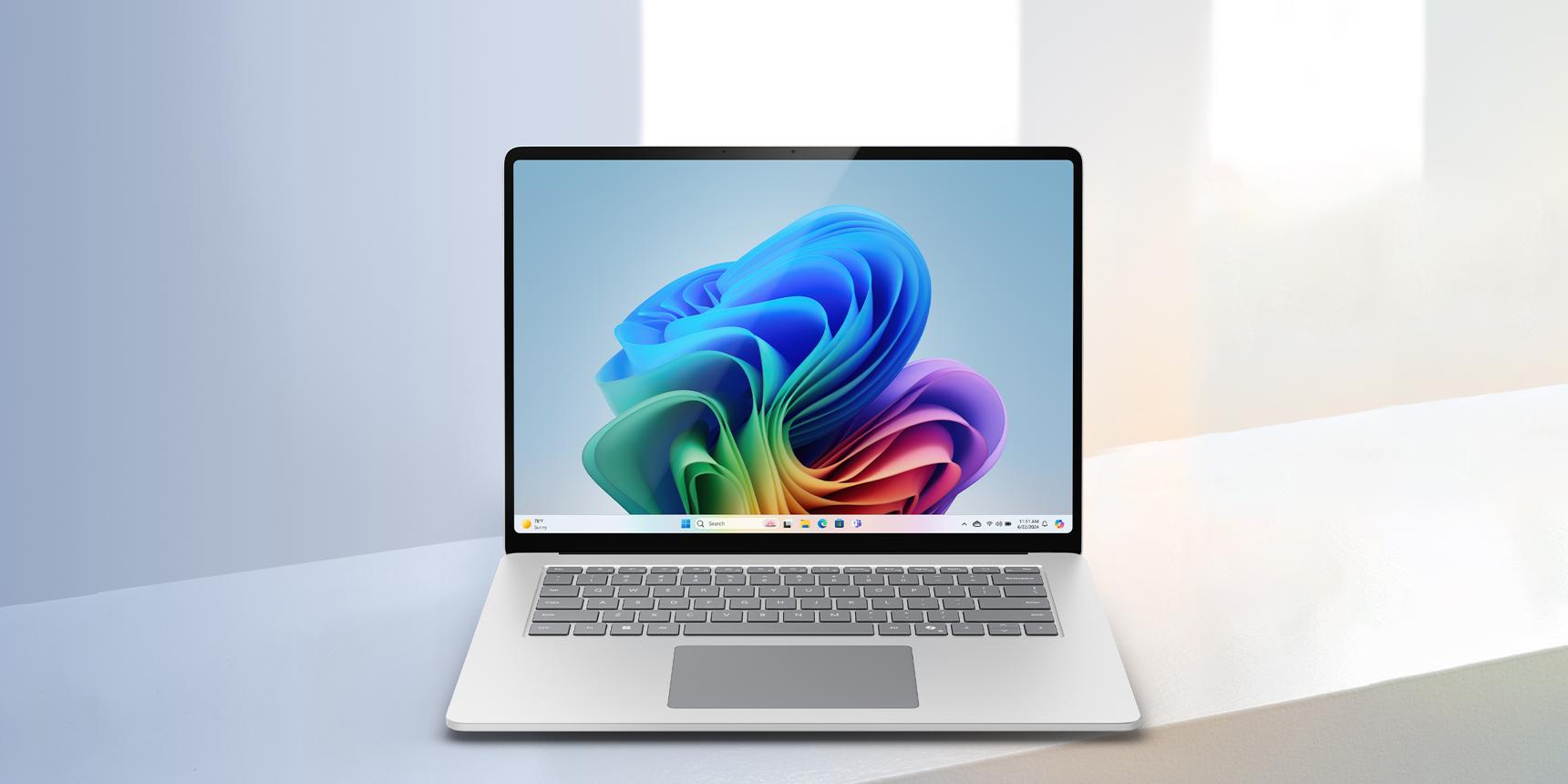
Artificial intelligence is changing how we work, create, communicate, and interact with technology. From intelligent writing assistants to real-time translation and advanced image editing, AI-powered features are becoming part of everyday computing.
As this technology evolves, a new category of personal computers has emerged: AI PCs.
Major technology companies are introducing laptops equipped with dedicated artificial intelligence processors, promising more responsive experiences, improved efficiency, and smarter productivity tools.
But an important question remains: Do you actually need an AI laptop, or is a traditional laptop still enough?
In this guide, we explain what makes an AI PC different, how the technology works, and what you should consider before investing in one in 2026.
1. What Exactly Is an AI PC?
An AI PC is a personal computer designed to handle certain artificial intelligence workloads efficiently, often using a dedicated processor called a Neural Processing Unit (NPU).
Traditional computers primarily rely on two processing components:
* CPU (Central Processing Unit): Handles general computing tasks, applications, and system operations.
* GPU (Graphics Processing Unit): Accelerates graphics, video processing, and many computationally intensive workloads.
AI PCs introduce another specialized component:
* NPU (Neural Processing Unit): Designed to accelerate certain machine-learning and AI operations while consuming relatively little power.
This combination allows supported applications to perform some AI tasks directly on the computer rather than depending entirely on cloud-based services.
However, not every laptop advertised with AI features includes a dedicated NPU. Some AI applications run using conventional CPUs, GPUs, or remote cloud servers.
The important distinction is not simply whether a computer can use AI, but how efficiently it can process AI workloads locally.
2. CPU vs GPU vs NPU: Understanding the Difference
Although these processors can work together, each is optimized for different types of computing.
CPU: The Everyday Problem Solver
The CPU manages general-purpose computing, including opening applications, running operating-system processes, handling spreadsheets, and browsing websites.
Modern CPUs can also perform AI calculations, but they are not always the most energy-efficient option for continuous AI workloads.
GPU: The High-Performance Processor
GPUs are designed to perform many calculations simultaneously.
They are particularly useful for gaming, 3D rendering, video editing, scientific computing, and demanding AI applications.
For intensive tasks such as running larger local AI models, a powerful GPU with sufficient memory may be more important than an NPU.
NPU: The Efficient AI Specialist
An NPU is designed to accelerate supported neural-network operations.
Depending on the device and software, an NPU may help with background effects, speech processing, image enhancement, and other AI-assisted features.
Because NPUs are designed with efficiency in mind, they can reduce the need to run certain continuous AI workloads on more power-hungry processors.
The key takeaway: An NPU does not replace the CPU or GPU. It complements them.
3. What Can an AI Laptop Actually Do?
AI PCs can support several practical features, although availability depends on the hardware, operating system, application, and language support.
Smarter Video Meetings
Supported applications can offer background blur, automatic framing, eye-contact correction, and noise reduction.
These features can be useful for professionals who frequently attend online meetings or work remotely.
AI-Assisted Content Creation
Certain applications use AI to simplify tasks such as image enhancement, background removal, audio cleanup, and creative editing.
For designers, marketers, and content creators, these capabilities can improve workflows and reduce repetitive work.
However, advanced creative AI features may still require cloud processing, a powerful GPU, or a paid software subscription.
Speech Recognition and Translation
AI technology can assist with speech-to-text transcription, subtitles, and translation.
Some features can operate locally, while others require an internet connection.
Language availability varies. Buyers in Sri Lanka should verify support for English, Sinhala, or Tamil in the specific application rather than assuming every AI feature supports all three languages.
Improved Everyday Productivity
AI assistants can help summarize information, draft documents, organize notes, and support research.
Many of these tools also work on traditional laptops through cloud services.
An AI PC may improve the performance or efficiency of certain supported local features, but owning one does not automatically unlock every AI assistant or premium feature.
More Efficient On-Device Processing
For supported workloads, local AI processing can reduce reliance on an internet connection and may help limit the amount of information sent to external servers.
However, an AI PC does not guarantee complete privacy. Data handling still depends on the application, operating system, permissions, and cloud services involved.
4. Are All AI PCs the Same?
No. Different manufacturers use different processors, performance specifications, and software platforms.
Examples of modern AI PC processor families include:
Intel Core Ultra
Selected Intel Core Ultra processors integrate NPUs alongside CPU and GPU capabilities. Their AI performance and supported features vary by processor generation and model.
AMD Ryzen AI
AMD Ryzen AI processors offer dedicated AI acceleration in supported laptops. Actual capabilities depend on the processor model and software compatibility.
Qualcomm Snapdragon X
Snapdragon X-based Windows laptops combine ARM-based processing with dedicated AI acceleration, often emphasizing efficiency and mobile productivity.
However, buyers should check compatibility with essential Windows applications, peripherals, and specialized business software.
Apple Silicon
Apple's M-series processors include Neural Engine technology for accelerating supported machine-learning tasks.
Apple uses its own hardware and software ecosystem, so its capabilities should not be compared solely through Windows AI PC marketing labels.
Understanding TOPS
You may notice AI processors advertised using a specification called TOPS, meaning trillions of operations per second.
TOPS is one measure of theoretical AI processing capability.
A higher TOPS rating does not automatically mean a laptop will be faster in every real-world task.
Software optimization, memory, processor architecture, and workload compatibility also influence performance.
For example, Microsoft's Copilot+ PC category has specific hardware requirements, including an NPU rated at 40+ TOPS. This is a particular Windows device classification, not a universal definition of every AI-capable computer.
5. Who Should Consider Buying an AI Laptop in 2026?
Whether an AI PC is worthwhile depends on how you use your computer.
Students and University Learners
Students who frequently use productivity tools, attend online classes, and work with digital learning materials may benefit from AI-assisted applications.
However, a conventional laptop with adequate RAM, storage, and battery life remains a practical option for many students.
An AI PC is worth considering when the required features are supported and the price difference is reasonable.
Business Professionals
Professionals who spend significant time in online meetings, presentations, documentation, and communication may find supported AI features useful.
Battery life, portability, security, keyboard quality, and application compatibility should still take priority.
Content Creators and Designers
AI-assisted editing can be valuable for creative professionals.
However, demanding photo, video, animation, and 3D workloads may require a strong GPU, substantial RAM, and a high-quality display.
An NPU alone is not a substitute for professional-grade graphics performance.
Developers and Technology Enthusiasts
Developers experimenting with local AI models may benefit from dedicated AI hardware.
The ideal configuration depends on the frameworks, model sizes, operating system, and hardware acceleration supported by their development tools.
For some workloads, GPU performance and available memory will be more important than NPU specifications.
Everyday Home Users
For browsing, streaming, email, video calls, and general office work, a traditional laptop may be entirely sufficient.
There is no need to pay a significant premium for AI hardware unless its capabilities offer a clear practical benefit.
6. What Should You Check Before Buying an AI Laptop in Sri Lanka?
Sri Lankan buyers should consider several factors beyond marketing claims.
Processor and AI Capability
Confirm the exact processor model and whether it includes an NPU.
If you specifically want a Copilot+ PC, verify that the device meets Microsoft's requirements rather than relying on an “AI laptop” label.
RAM and Storage
For a new productivity laptop in 2026, 16GB RAM and a 512GB SSD are sensible starting specifications for many buyers.
More demanding creative work, development, and local AI applications may benefit from 32GB RAM or more.
Check whether the RAM and storage can be upgraded later, as some modern laptops have soldered memory.
Battery Life
Manufacturer battery-life claims are typically measured under specific test conditions.
Real-world results vary depending on brightness, connectivity, applications, processor load, and battery health.
Independent reviews and realistic workload testing are more useful than relying on advertised maximum figures alone.
Software Compatibility
Before purchasing, confirm that your essential applications work on the selected device.
This is especially important for businesses using accounting software, inventory systems, specialized peripherals, or older Windows applications.
Warranty and After-Sales Support
Check whether the laptop includes a manufacturer-backed warranty or a seller-provided warranty.
Understand the warranty duration, service process, exclusions, and availability of replacement parts in Sri Lanka.
Total Purchase Value
Compare laptops based on their complete specifications, not just the presence of AI features.
A device with a better display, stronger battery, more memory, or superior warranty coverage may offer greater long-term value.
7. Do AI PCs Need an Internet Connection?
Not always.
Some AI features can operate directly on the device, allowing supported tasks to run without continuous internet access.
Other features still require cloud servers, an account, or an active subscription.
This distinction matters because the phrase “AI-powered” does not necessarily mean “fully offline.”
Before purchasing, identify the specific AI features you want and confirm whether they work locally, online, or through a combination of both.
8. Should You Upgrade Your Existing Laptop?
If your current laptop performs well, there may be no immediate reason to replace it solely for AI capabilities.
Consider upgrading when:
* Your existing laptop struggles with essential applications.
* Battery life or performance has significantly deteriorated.
* You need specific AI features unavailable on your current device.
* Your software requires newer hardware or operating-system capabilities.
* A newer laptop offers meaningful improvements in productivity, security, portability, or efficiency.
If your current computer already meets your needs, waiting for AI hardware and software ecosystems to mature may be the more economical choice.
The right upgrade is one that solves a real problem.
9. The Future of AI-Powered Computing
AI acceleration is likely to become increasingly common across mainstream laptops and desktop computers.
As software developers improve support for dedicated AI processors, more applications may take advantage of on-device intelligence.
We can expect continued development in areas such as:
* Efficient local AI processing.
* Intelligent productivity applications.
* Accessibility and communication tools.
* Creative workflows.
* Device security and personalized computing experiences.
However, adoption will depend on software availability, hardware compatibility, cost, and measurable benefits for users.
AI computing is an important technological direction, but not every new feature will be equally useful to every customer.
Final Thoughts: Is an AI Laptop Worth Buying in 2026?
An AI laptop can be a worthwhile investment for users who benefit from supported on-device AI features, efficient processing, and modern hardware capabilities.
However, an AI PC is not automatically the best laptop for everyone.
For students, professionals, creators, and businesses, the right decision should begin with practical requirements: performance, memory, storage, battery life, software compatibility, warranty, and budget.
Choose a laptop based on what it helps you accomplish, not simply on how prominently AI appears in its marketing.
At Ampeze, we believe that understanding technology is the first step toward making better purchasing decisions.
Explore the latest technology insights and practical buying guidance at ampeze.com.
Editorial note: Product specifications, AI features, software compatibility, and availability may vary by manufacturer, device model, region, and future software updates. Always verify the exact specifications before purchasing.
Explore more
Discover technology that fits your everyday life.
Explore our latest technology and accessories.
Explore our website